
AI wildlife spotting, built by Latest Sightings

Ting Vision
Wildlife can appear at any moment, even when nobody is watching. Ting Vision watches the camera feed, identifies animals, sends WhatsApp alerts, and saves the sightings for you to come back to.
One camera. Five useful outcomes.
- 01WatchThe live camera stays connected.
- 02DetectTing Vision spots wildlife in the scene.
- 03AlertThe right people receive an alert.
- 04SaveThe clip and sighting details are saved.
- 05UseMembers can review, download, and share.
Live from real wildlife views
Watch Ting Vision
These are real cameras looking over real wildlife areas. Nothing is staged, and Ting Vision is working in the background while you watch.
1 / 5
What happens when nobody is watching?
Ting Vision is.
A normal camera feed becomes a lot more useful when it can tell you that something is there, save the moment, and keep it ready for later.
How Ting Vision worksRecently spotted by Ting Vision
These are some of the moments our cameras have picked up.
Every card opens the original post on Facebook.
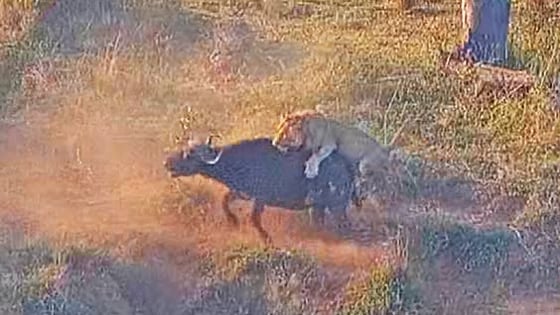 Lone lion takes on a buffalo herd
Tinged at Mjejane Cams
Watch on Facebook
Lone lion takes on a buffalo herd
Tinged at Mjejane Cams
Watch on Facebook
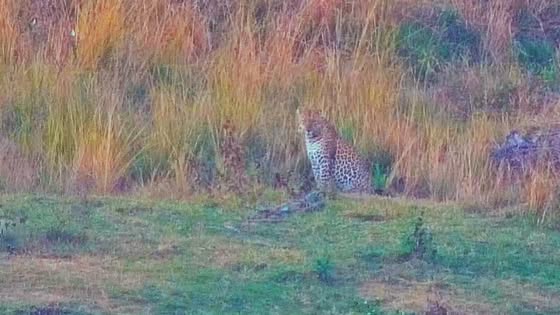 Leopard takes a long nap on camera
Tinged at South Post at Kruger
Watch on Facebook
Leopard takes a long nap on camera
Tinged at South Post at Kruger
Watch on Facebook
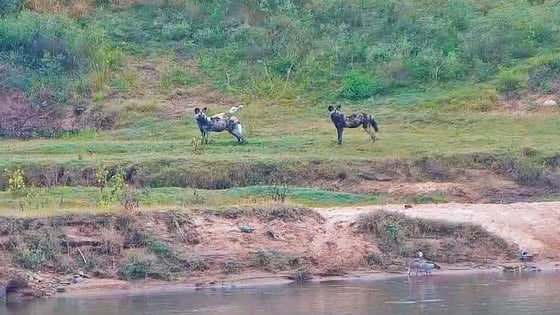 A wild dog pack drops in for breakfast
Tinged at Mjejane Cams
Watch on Facebook
A wild dog pack drops in for breakfast
Tinged at Mjejane Cams
Watch on Facebook
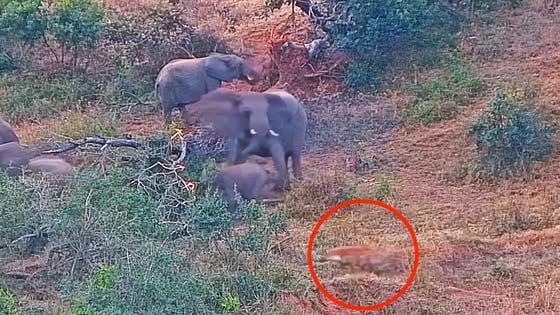 Hyena tests a protective elephant herd
Tinged at Mjejane Cams
Watch on Facebook
Hyena tests a protective elephant herd
Tinged at Mjejane Cams
Watch on Facebook
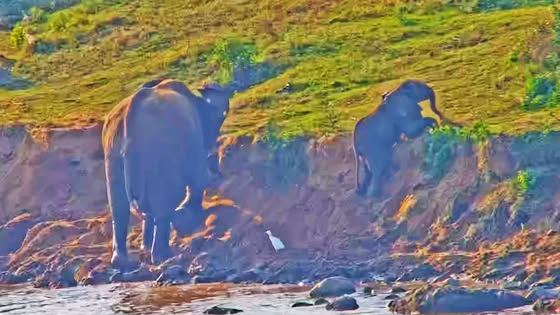 Elephant mother helps her calf up the bank
Tinged at Buckler's Africa Lodge
Watch on Facebook
Elephant mother helps her calf up the bank
Tinged at Buckler's Africa Lodge
Watch on Facebook
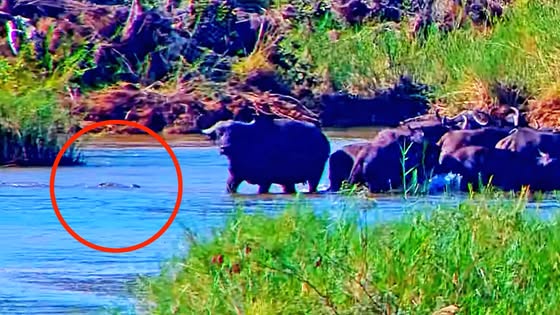 Crocodile meets hundreds of buffalo
Tinged at Kruger Gate Hotel
Watch on Facebook
Crocodile meets hundreds of buffalo
Tinged at Kruger Gate Hotel
Watch on Facebook
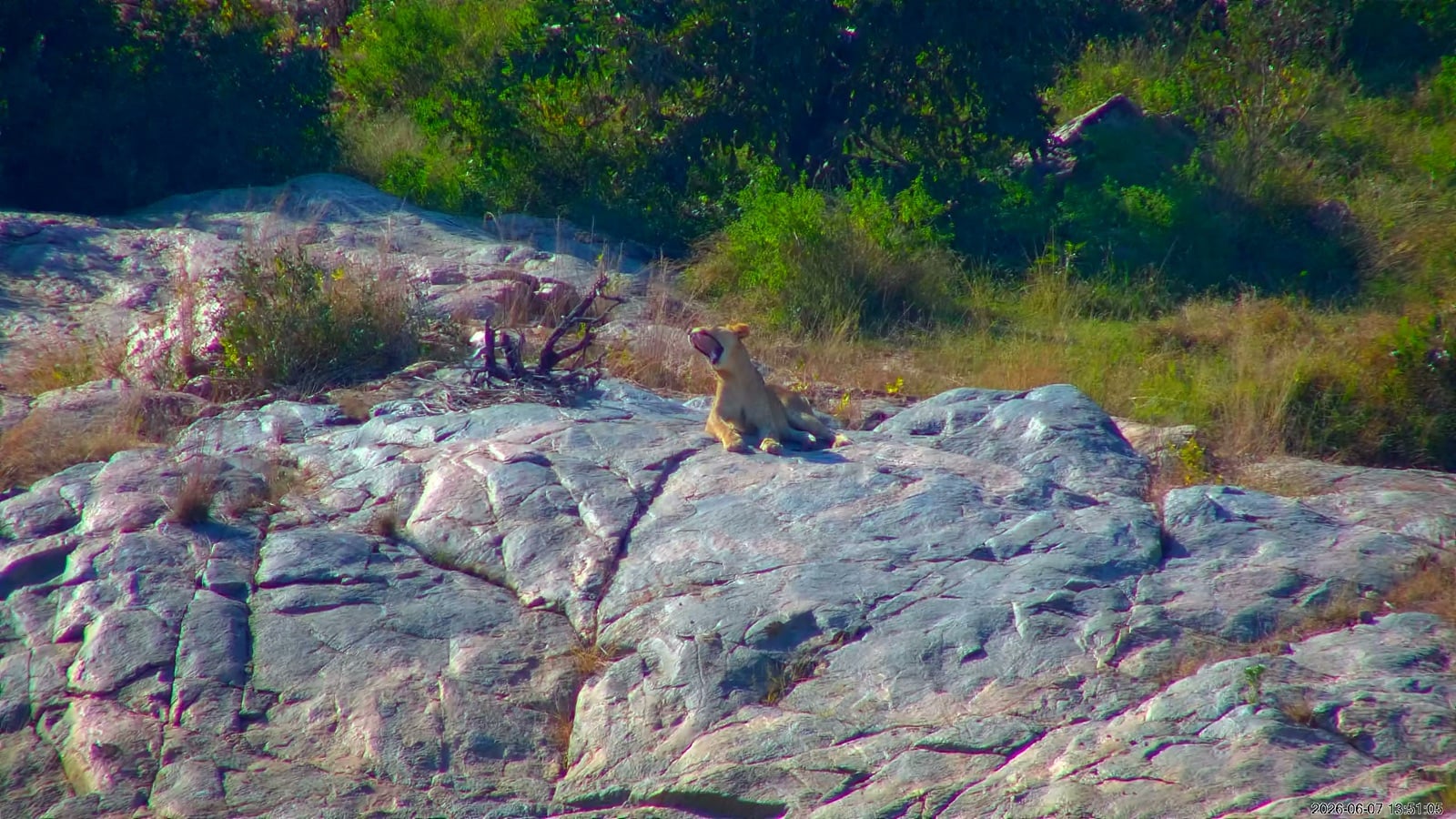
See how easy it is to miss
Can you spot it before Ting Vision does?
Animals can disappear into the landscape surprisingly well. Distance, cover, light, and a busy background can make even a large animal difficult to notice. Press play and see how quickly you can find each one.
Wildlife is unpredictable, and Ting Vision cannot guarantee a sighting. It simply helps you make more of the sightings that do happen.
Included with every setup
Every Ting Vision member gets secure access to their own dashboard.
The alert is only the start. You can go back through the sightings your camera has captured, find the clips you need, and download the moments worth keeping.
- View recent sightings and selected highlights.
- Filter by species, location, image, or video.
- Preview and download captured footage.
- Use the camera and alert controls available for your setup.
Each property and account only sees the locations and controls they have access to.
More than just a live camera
Turn a view into something your guests, team, or family can actually use.
For lodges, it can help guests know what is outside. For private properties, it can make sure the right people hear about special sightings as they happen.
More excitement
Guests, owners, and teams can receive alerts even when they are not standing at the window.
More useful footage
Saved clips can be used for social posts, guest updates, marketing, or your own sighting records.
More reach
The strongest moments may also have the chance to reach the wider Latest Sightings audience.
From a camera view to a saved sighting
Your camera keeps watching, even when you cannot.
Ting Vision works quietly in the background. You do not need to understand the technology to enjoy the result.
Connect the view
A compatible camera looks over a river, waterhole, lodge boundary, or private wildlife area.
Watch the scene
Ting Vision keeps checking the full view instead of relying on someone to be watching at the right moment.
Spot the wildlife
The system looks for animals that may be difficult to see in the landscape.
Send the alert
WhatsApp alerts can tell the right people what was spotted and where to look.
Save the moment
The sighting is added to the member dashboard, ready to view, download, highlight, or use later.
A setup built around your view
For lodges, reserves, private properties, and other places looking into wildlife areas.
Every setup is different. We configure the camera, alerts, access, and content options around what the property actually needs.
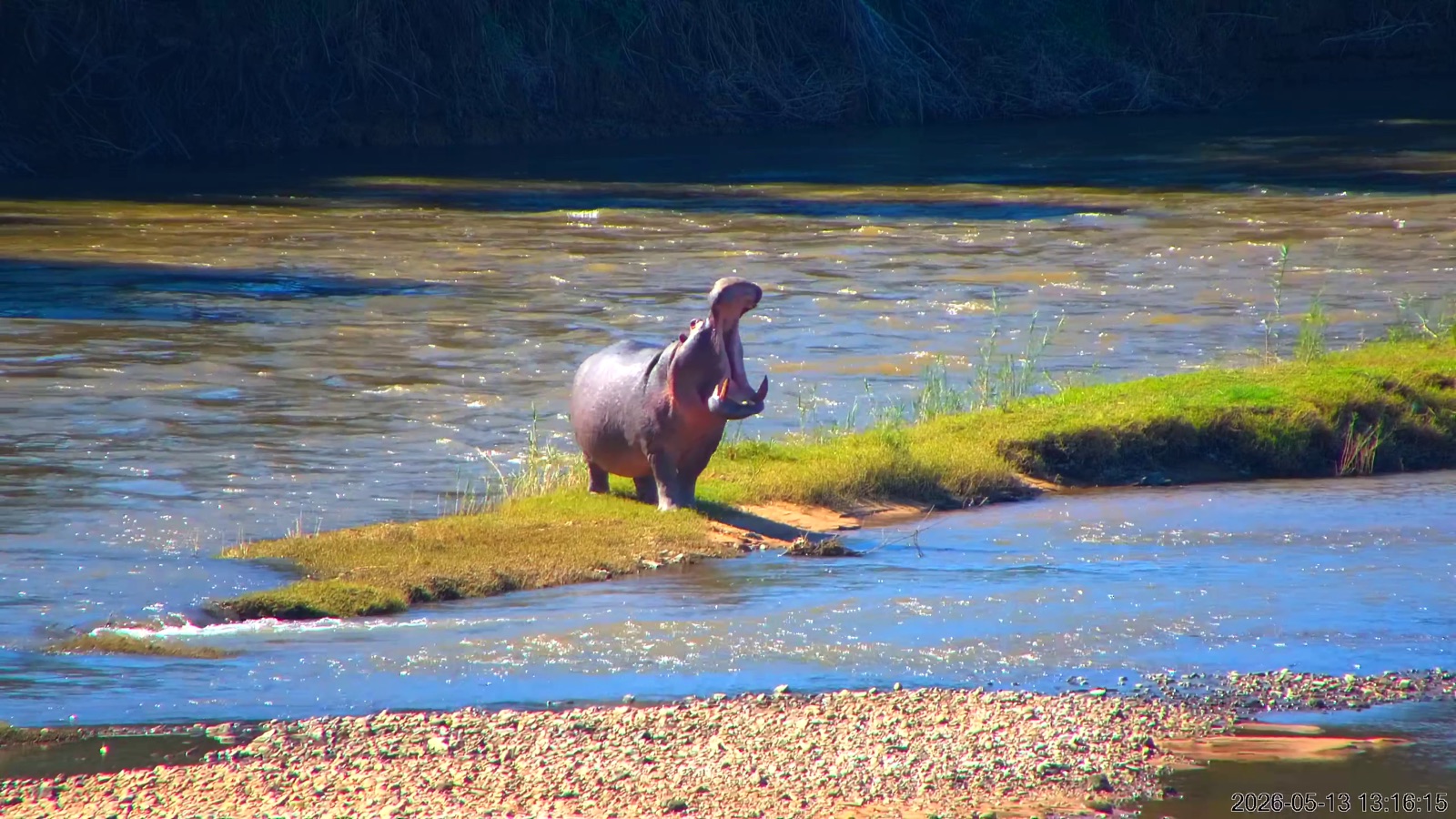
Lodges and reserves
Give guests more ways to enjoy the view.
- Real-time alerts for your selected audience.
- A secure library of captured sightings.
- Downloadable footage for guest updates and marketing.
- Options for live streams and social content.
- Help choosing the right camera and installation approach.
Private wildlife views
Know what moves past when nobody is watching.
- Alerts for owners, family, managers, or selected groups.
- Secure access to recent sightings.
- Simple ways to preview, highlight, and download footage.
- Camera and alert controls suited to the setup.
- Optional sharing through Latest Sightings.
Already watching over real wildlife areas
Built and tested in the bush.
Ting Vision is already working across lodge and private-property views. Every installation helps us improve the alerts, footage, and overall experience.





Technology partner
Dahua Technology
We work with Dahua Technology to pair their camera technology with Ting Vision’s wildlife detection, alerts, and sighting tools. It helps us build better setups for lodges, reserves, and private properties.

Good to know
A few of the questions we are asked most often.
Wildlife will always be unpredictable. Ting Vision helps people notice and use more of what happens, but it cannot make animals appear.
What is Ting Vision?
Ting Vision is an AI wildlife spotting system built by Latest Sightings. It connects to a wildlife-facing camera, spots animals, sends alerts, and saves the sightings for later.
Does it guarantee sightings?
No. Wildlife movement, weather, light, visibility, and the camera view all affect what can be seen. Ting Vision helps make more of the activity that does happen.
Does every client get a login?
Yes. Every Ting Vision member gets secure access to the dashboard. Each account only sees the locations and controls linked to that setup.
Do we need a new camera?
Not always. Ting Vision can work with a compatible live camera feed. The best hardware and installation approach will depend on the view, connection, coverage, and camera controls needed.
How do the alerts work?
When the selected wildlife is detected, Ting Vision can send a WhatsApp alert to the chosen group. Depending on the setup, the alert can include the species, location, image, and where to look.
Can we use the footage?
Yes. Members can view and download the footage available to their account. The clips can be used for guest updates, social posts, marketing, internal records, and selected Latest Sightings opportunities.
Get Ting Vision
Have a view that should be doing more?
Tell us where the camera would look, who should receive the alerts, and how you would like to use the footage. We will help put together the right Ting Vision setup for your property.
Tell us about your view
Start with where the camera would look and what you would like Ting Vision to do.
We will help with the camera, alerts, access, and content options from there.